This is the collection of all the WordPress memes I’ve created.
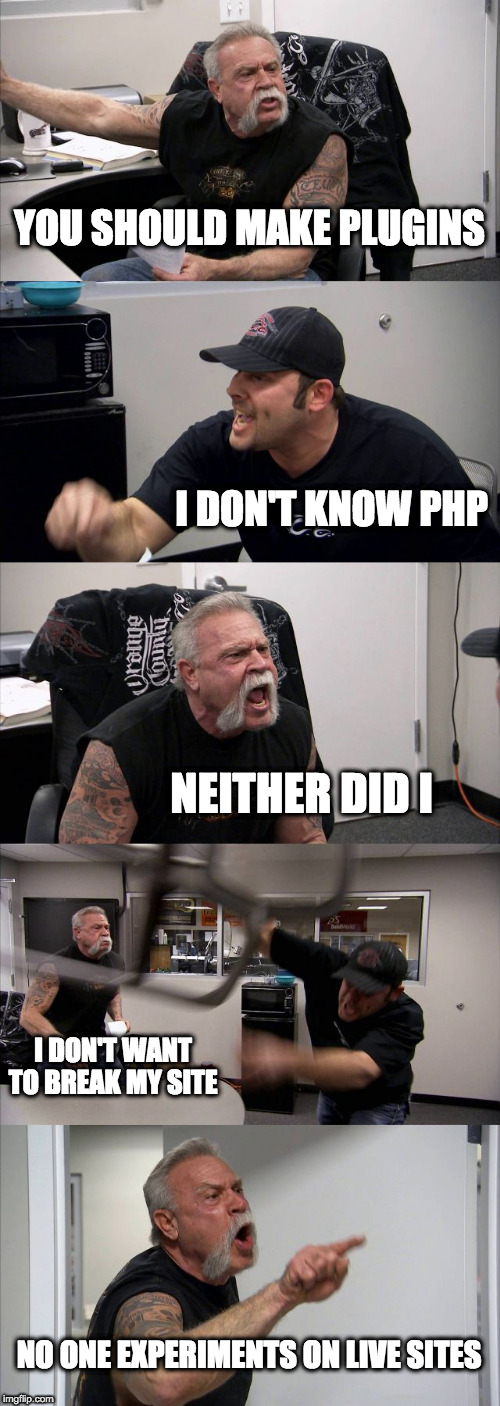
You Should Make Plugins

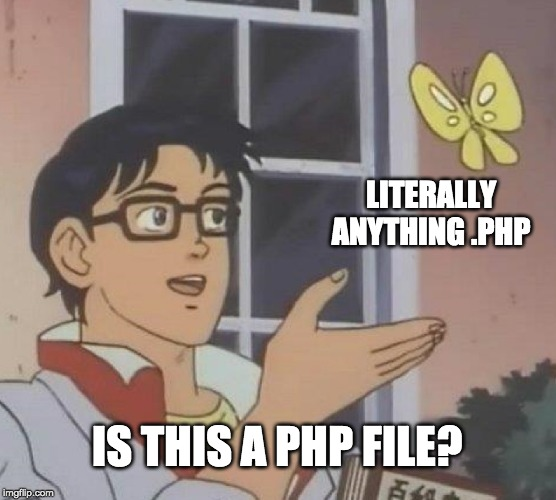
Is This a PHP File?

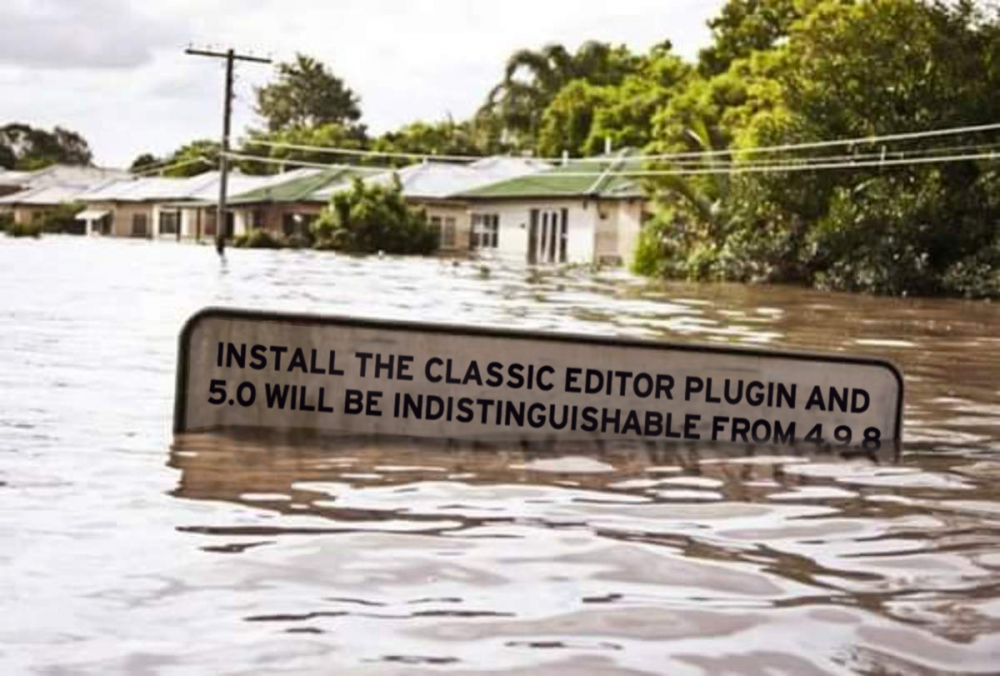
But Her Editors

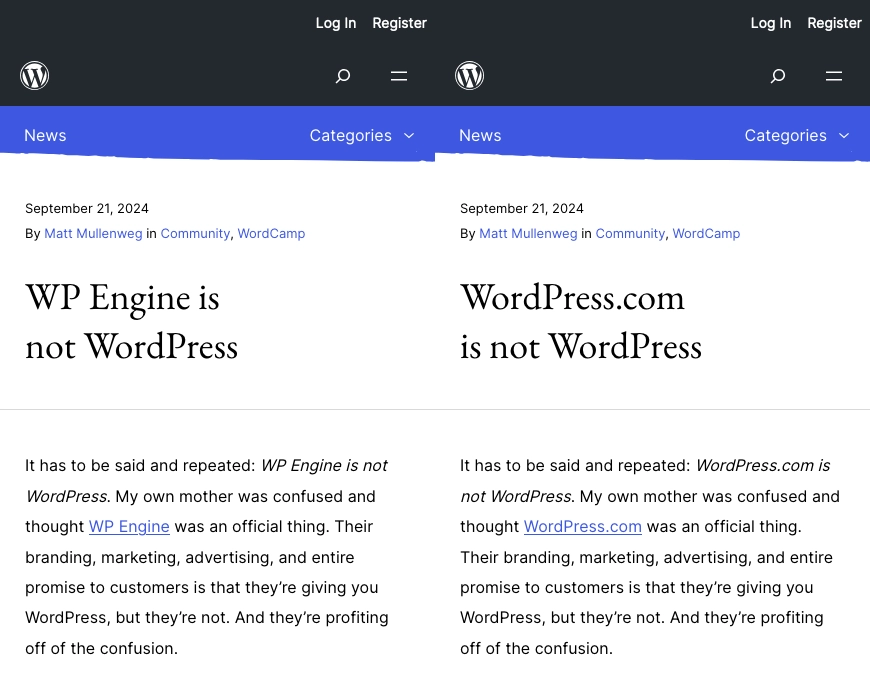
WordPress.com is Not WordPress

This is the collection of all the WordPress memes I’ve created.


WordPress multisite allows plugins and themes to be Network Active. This prevents them from being deactivated on any site in the network.
To change a plugin from Network Active on every site to individually active on each site:
Manually Network Deactivate the plugin from the network plugins page. The wp network command does not yet support plugin deactivation.
Connect to the server via SSH and run this WP CLI command. In this example, superlist-block/superlist-block.php is the plugin basename.
wp site list --field=url | xargs -n1 -I % wp --url=% plugin activate superlist-block/superlist-block.php
wp site list --field=url produces a list of URLs for all of the sites on the network.
The | operator passes the results from wp site list to xargs. xargs can take the output from one command and send it to another command as parameters.
The -n1 flag to xargs processes each line of output from the site list command one at a time. -n2 would send two site URLs to the next command.
wp --url=% plugin activate hello.php is the command to which xargs is passing the site URLs. It activates the Hello Dolly plugin on each site specified by URL. The % sign is our replacement character where each URL will populate.
If this code is easier to quickly read and comprehend, read Sal Ferrarello’s post, Loop Through WordPress Multisite Blogs with WP CLI.
for URL in $(wp site list --field=url); do
wp plugin activate superlist-block/superlist-block.php --url=$URL;
done
WordPress 6.7 is going to support HEIC image conversion. I’m the author of an HEIC image conversion plugin.
WordPress core will soon convert HEIC, or iOS format, photos during uploads.
My free plugin, HEIC Support, just crossed 3,000 active installs.
Does my copy-or-replace switch remain a useful feature? Do I get obsoleted out of the .org plugin repo on November 12th? Does it shrivel and die quietly? I have no idea. I can’t wait to find out.
I’m not even an iOS user. I’ve never had any .heic images to convert! I wrote the plugin because @austinginder told me WordPress doesn’t accept iPhone photos at a meetup.
When it launched, I wrote, “Someday, we will celebrate the death of this plugin.” Will we?

Submit a second language translation to each plugin you list on wordpress.org.
Once a plugin has a translation, the “Languages:” section appears with a link “Translate into your language.” This link helps strangers using your plugin submit more translations. Plugins with one language do not have this link on their .org directory pages.
If you speak only English like me, you can likely produce an English (UK) translation of your plugin to provide a second language for your plugin.
I met someone on twitter who charges four cents per word for English to Spanish translation. WordPress recognizes 14 Spanish language variants. My translator said they would prepare a LATAM (Latin American) Spanish that would also work for other variants. I submitted the translation I bought for all variants, but one or two versions have been approved after 6 months. Many uploaded translation files sit behind tens of thousands of other contributions in queues waiting for review. The WordPress project is in dire need of translation volunteers.

msgcat {filename}I found this tool helpful when pricing projects with a translator.
https://pofile.net/free-po-editor
I wrote this PHP script to copy an es_MX/Spanish (Mexico) .po file into the 13 other Spanish variants.
In the core WordPress slack, there are two channels filled with automated messages about plugin translations. Search for your plugin slug in the Making WordPress slack and look for results in these channels:
These channels will tell you if your plugin is not yet compatible with language packs and if anomalies were found while comparing translations.
I found both of these messages to be helpful when working on translations.
Volunteers must review all translated strings. 90% of a plugin’s strings must be translated before that language pack becomes available in the Plugin Repository. Visit this page to monitor progress: https://translate.wordpress.org/projects/wp-plugins/embed-pdf-gravityforms/stable/
This morning, I had to swap out a form builder plugin after some security breach occurred at wordpress.org or at one of its contributors. Page breaks are typically a pro feature in form plugins, with a few exceptions.
I found Forminator, a form builder plugin that allows multi-page forms to be built for free.
I have licenses to a couple form builders that provide multi-page functionality. Almost every project is Gravity Forms and ACF, though. It’s nice to learn about other systems.
Forminator provides slider controls to specify numbers or a range of numbers, for example. This feature is unavailable with any paid level of Gravity Forms.
The WordPress Plugin Review team released Plugin Check. They use it to scan all plugin submissions to wordpress.org, and encourage all authors to run it before uploading plugins to the directory.
PLUGIN_CHECK_PHP_BIN Error MessageOne error asks us to create a constant:
Cannot find the PHP Binary file, please define it using the `PLUGIN_CHECK_PHP_BIN` constant
It’s asking for the path to PHP so it can scan plugin code. Here is some PHP code to create the constant with a sample value of “path/to/php”.
if ( ! defined( 'PLUGIN_CHECK_PHP_BIN' ) ) {
define( 'PLUGIN_CHECK_PHP_BIN', 'path/to/php' );
}
In your local environment or while logged into a remote server, use the whereis php command to reveal the path to the PHP binary. In this example from my computer, the path is not the only text output by the command:
$ whereis php
php: /opt/homebrew/opt/[email protected]/bin/php /opt/homebrew/share/man/man1/php.1
If you’re on macOS, open Terminal, type or paste the whereis php command, and press Enter.
The path is very likely to end in bin/php. Here’s what I added to wp-config.php files running on my computer:
if ( ! defined( 'PLUGIN_CHECK_PHP_BIN' ) ) {
define( 'PLUGIN_CHECK_PHP_BIN', '/opt/homebrew/opt/[email protected]/bin/php' );
}
Run the Plugin Check again. If you successfully created the constant with the correct path, your Plugin Check report may be a bit longer.
Sites running WordPress 6.3 and plugins that add the post__not_in query variable on the parse_query hook are breaking the lists of posts and pages in the Dashboard. I found this bug because I built and maintain a plugin that did exactly this.
The post__not_in query variable makes it easy for developers to hide posts and pages from dashboard users. The parse_query hook is one of the last hooks before the main query runs, and a handful of hide-page-tutorials recommend using it to exclude specific posts or pages from the query.
Follow this advice: Avoid post__not_in
Disable all plugins one at a time and check the broken pages. This is the way to troubleshoot almost every problem on a WordPress site. If you cannot deactivate all plugins for this plugin conflict test, create a duplicate copy of the site to use during the test.
WordPress core provides developers with a handful of functions to escape string content and enable translations into other languages.
Access the translated version of text used in plugins or themes with one of the following functions.
<?php
echo __( 'Hello', 'text-domain' );
_e( 'Hello', 'text-domain' );
echo _x( 'Hello', 'The welcome message', 'text-domain' );
The first, __(), returns the text.
The “e” in _e() stands for echo. This function outputs the text.
The “x” in _x() stands for context and accepts an argument to explain to translators the context of the text.
Escapes strings so they are not parsed as HTML. Characters like < are converted to <.
<?php
echo esc_html( 'Hello' );
echo esc_html__( 'Hello', 'text-domain' );
esc_html_e( 'Hello', 'text-domain' );
echo esc_html_x( 'Hello', 'The welcome message', 'text-domain' );
<p><?php esc_html_e( 'Hi there! >:)', 'my-plugin' ); ?></p>
The above code will render the following HTML:
<p>Hi there! >:)</p>
Escape strings used in HTML attributes like class="" so they do not break the HTML.
<?php
echo esc_attr( 'Value' );
echo esc_attr__( 'Value', 'text-domain' );
esc_attr_e( 'Value', 'text-domain' ); // Outputs the value.
echo esc_attr_x( 'Value', 'The control value', 'text-domain' );
<p><input type="text" value="<?php esc_attr_e( 'Something seems "off"', 'my-plugin' ); ?>" /></p>
The above code will render the following HTML:
<p><input type="text" value="Something seems "off"" /></p>
Escape strings inside href="" or src="" attributes.
<?php
echo esc_url( 'https://coreysalzano.com/' );
Prevents the text content of a <textarea> from closing the element early.
<?php
echo esc_textarea( 'WordPress core provides developers with a handful of functions to escape string content and enable translations into other languages.' );
Blocking spam on WordPress websites is heavy work. Akismet comes pre-installed on every site, but it’s not free for businesses or the only way to stop spam.
There are a ton of anti-spam WordPress plugins. The criteria for this list of alternatives is “offers an API.”
Thanks to Austin and Kerch for inspiration and help creating this list.
If you’re building blocks for WordPress, and the error TypeError: c is not a function is logged in your browser’s developer console, you may have created a TextControl component and failed to include both value and onChange attributes.
This code will cause the error:
<TextControl
label={ __( 'Cash/trade', 'invp-payment-calculator' ) }
id={ 'trade' }
onChange={ changeTradeValue }
</TextControl>
This is a correct syntax:
label={ __( 'Cash/trade', 'invp-payment-calculator' ) }
id={ 'trade' }
value={ attributes.trade }
onChange={ changeTradeValue }
</TextControl>
If you see the default “Thanks for contacting us! We will get in touch with you shortly.” even if you’ve created a custom confirmation for your Gravity Form, your entry may have been marked as spam.
All entries deemed spam are shown the default message. Login and try again–logged in users will not get caught in the spam filter.
Also, visit the Entries list in the dashboard, and look for the Spam folder. Your entry may have been saved with the other Spam.
plugins/gravityforms/form_display.php line 3894
If you’re building blocks for WordPress, and the error TypeError: b.map is not a function is logged in your browser’s developer console, you may have created a SelectControl component and failed to wrap the options in brackets to create an array.
This code will cause the error:
<SelectControl
label="Minimum Rating"
value={ attributes.minimumRating }
options={
{ label: 'Great Deal', value: 'GREAT_PRICE' },
{ label: 'Good Deal', value: 'GOOD_PRICE' },
{ label: 'Fair Deal', value: 'FAIR_PRICE' }
}
onChange={ onChangeMinimumRating }
/>
This is the correct syntax:
<SelectControl
label="Minimum Rating"
value={ attributes.minimumRating }
options={ [
{ label: 'Great Deal', value: 'GREAT_PRICE' },
{ label: 'Good Deal', value: 'GOOD_PRICE' },
{ label: 'Fair Deal', value: 'FAIR_PRICE' }
] }
onChange={ onChangeMinimumRating }
/>