-
Create a directory for the site & install Drupal files
All my sites live in ~/sites, so I navigated there in macOS Terminal and ran these commands. I want my Drupal site in a folder named p8hd and my local website to live at https://p8hd.test.
composer create-project drupal/recommended-project:10.4.1 p8hdcd p8hd
valet link
valet secure
This creates a directory at “~/sites/p8hd”, populates it with composer.json and composer.lock files, installs the composer dependencies, creates a symbolic link, and creates a TLS certificate. A website is now live at the URL https://p8hd.test.
I chose 10.4.1 because I am running PHP 8.2.26 and that’s the latest compatible version of Drupal.
-
Create a database
I copied these commands from the Drupal installation guide.
mysql -u root -p -e "CREATE DATABASE p8hd CHARACTER SET utf8mb4 COLLATE utf8mb4_unicode_ci";
mysql -u root -p
Enter the database password twice, and paste this query at the mysql prompt:
GRANT SELECT, INSERT, UPDATE, DELETE, CREATE, DROP, INDEX, ALTER, CREATE TEMPORARY TABLES ON p8hd.* TO 'root'@'localhost'; -
Visit the site and run the installer
https://p8hd.test redirects to https://p8hd.test/core/install.php and that’s a good thing.
Screenshot
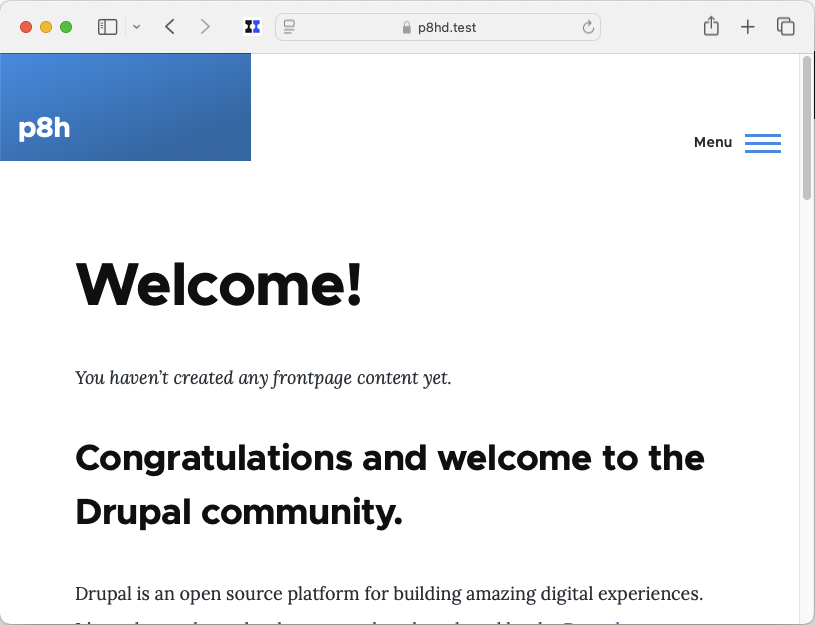
Here is a screenshot of https://p8hd.test after running the installer: