This is the collection of all the WordPress memes I’ve created.
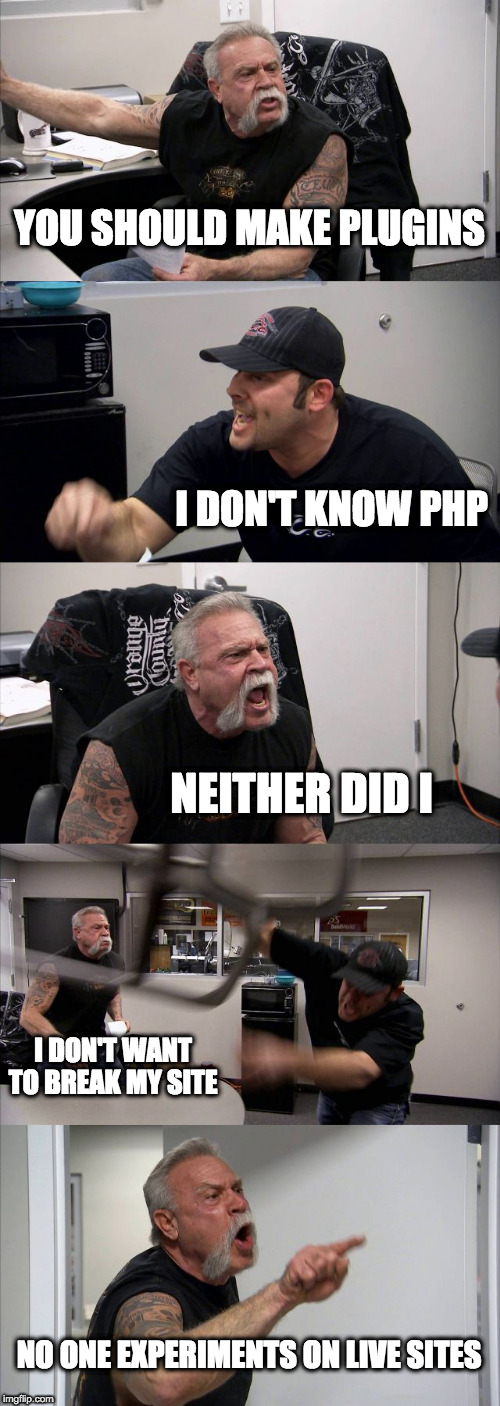
You Should Make Plugins
Is This a PHP File?

But Her Editors

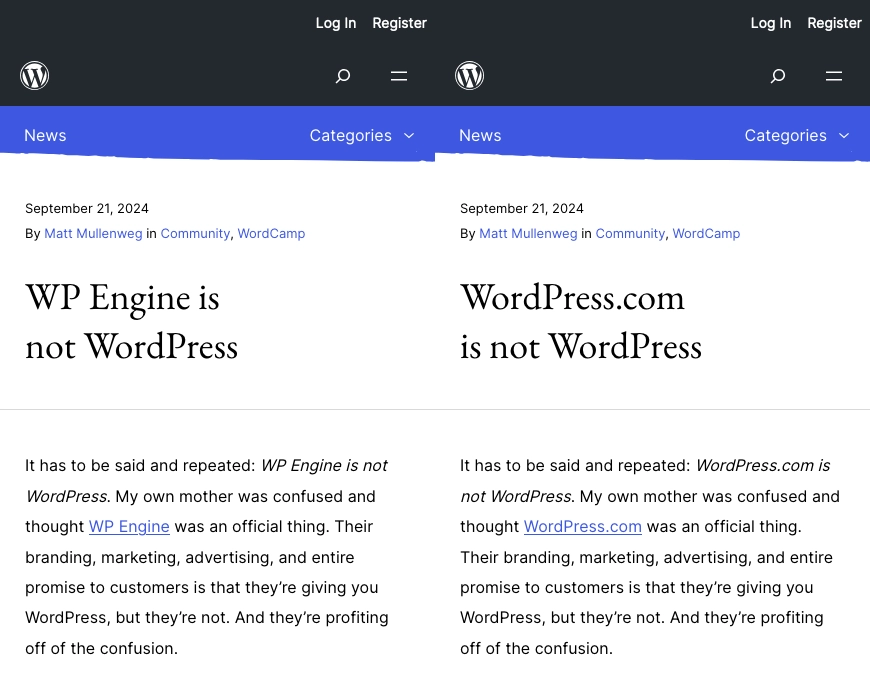
WordPress.com is Not WordPress
This is the collection of all the WordPress memes I’ve created.
WordPress multisite allows plugins and themes to be Network Active. This prevents them from being deactivated on any site in the network.
To change a plugin from Network Active on every site to individually active on each site:
Manually Network Deactivate the plugin from the network plugins page. The wp network command does not yet support plugin deactivation.
Connect to the server via SSH and run this WP CLI command. In this example, superlist-block/superlist-block.php is the plugin basename.
wp site list --field=url | xargs -n1 -I % wp --url=% plugin activate superlist-block/superlist-block.phpwp site list --field=url produces a list of URLs for all of the sites on the network.
The | operator passes the results from wp site list to xargs. xargs can take the output from one command and send it to another command as parameters.
The -n1 flag to xargs processes each line of output from the site list command one at a time. -n2 would send two site URLs to the next command.
wp --url=% plugin activate hello.php is the command to which xargs is passing the site URLs. It activates the Hello Dolly plugin on each site specified by URL. The % sign is our replacement character where each URL will populate.
If this code is easier to quickly read and comprehend, read Sal Ferrarello’s post, Loop Through WordPress Multisite Blogs with WP CLI.
for URL in $(wp site list --field=url); do
  wp plugin activate superlist-block/superlist-block.php --url=$URL;
done